Smart Product Recommendations on Webstore V3

This is a default feature available only for registered customers.
Smart Picks brings a personalized ordering experience by using AI to highlight products they’re most likely to enjoy based on their past purchase history. This feature helps repeat customers save time, quickly reorder favorites, and enjoy a smoother webstore journey without having to search through the entire menu.
How Smart Picks Are Displayed on the Webstore V3?
Step 1
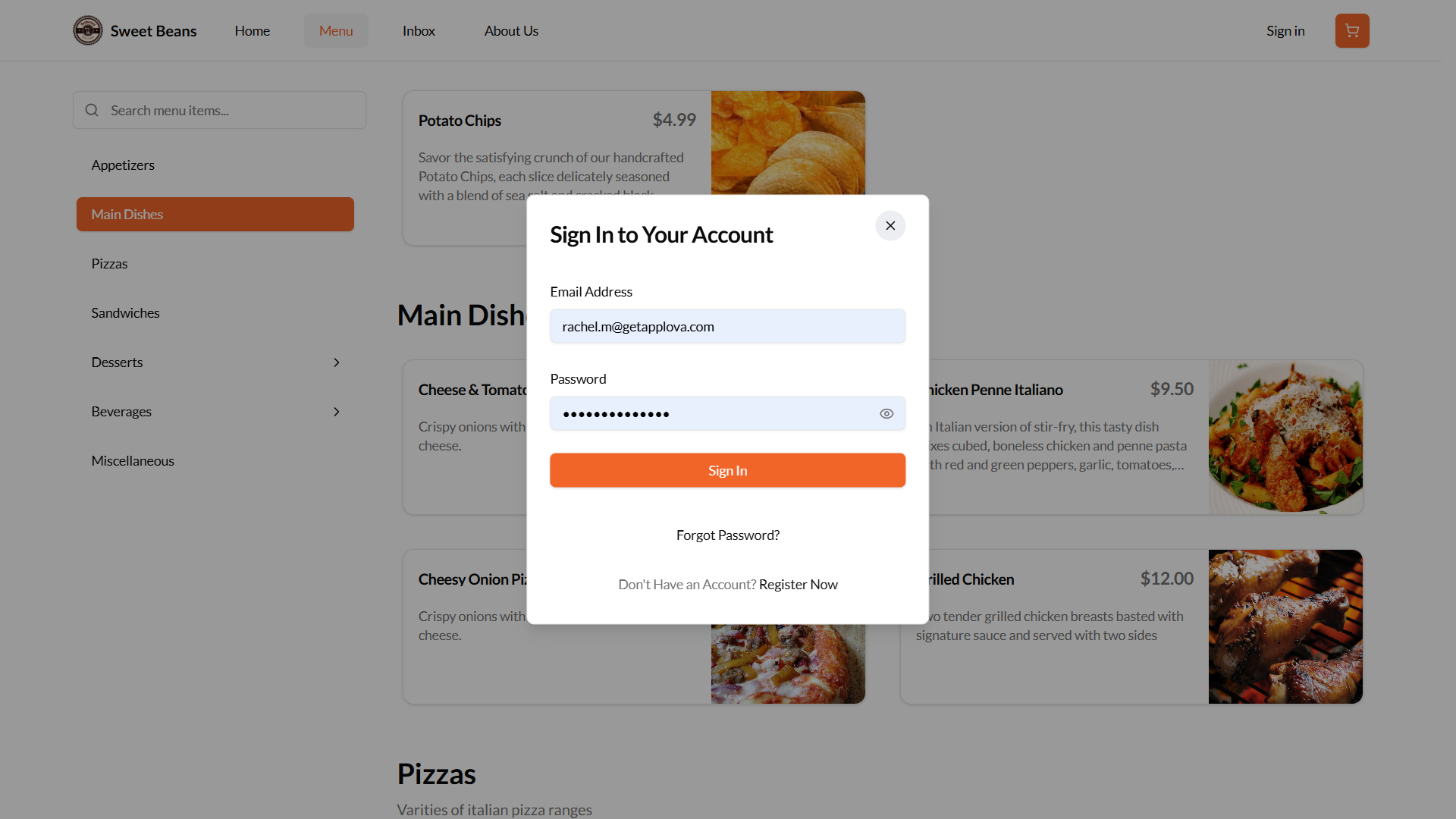
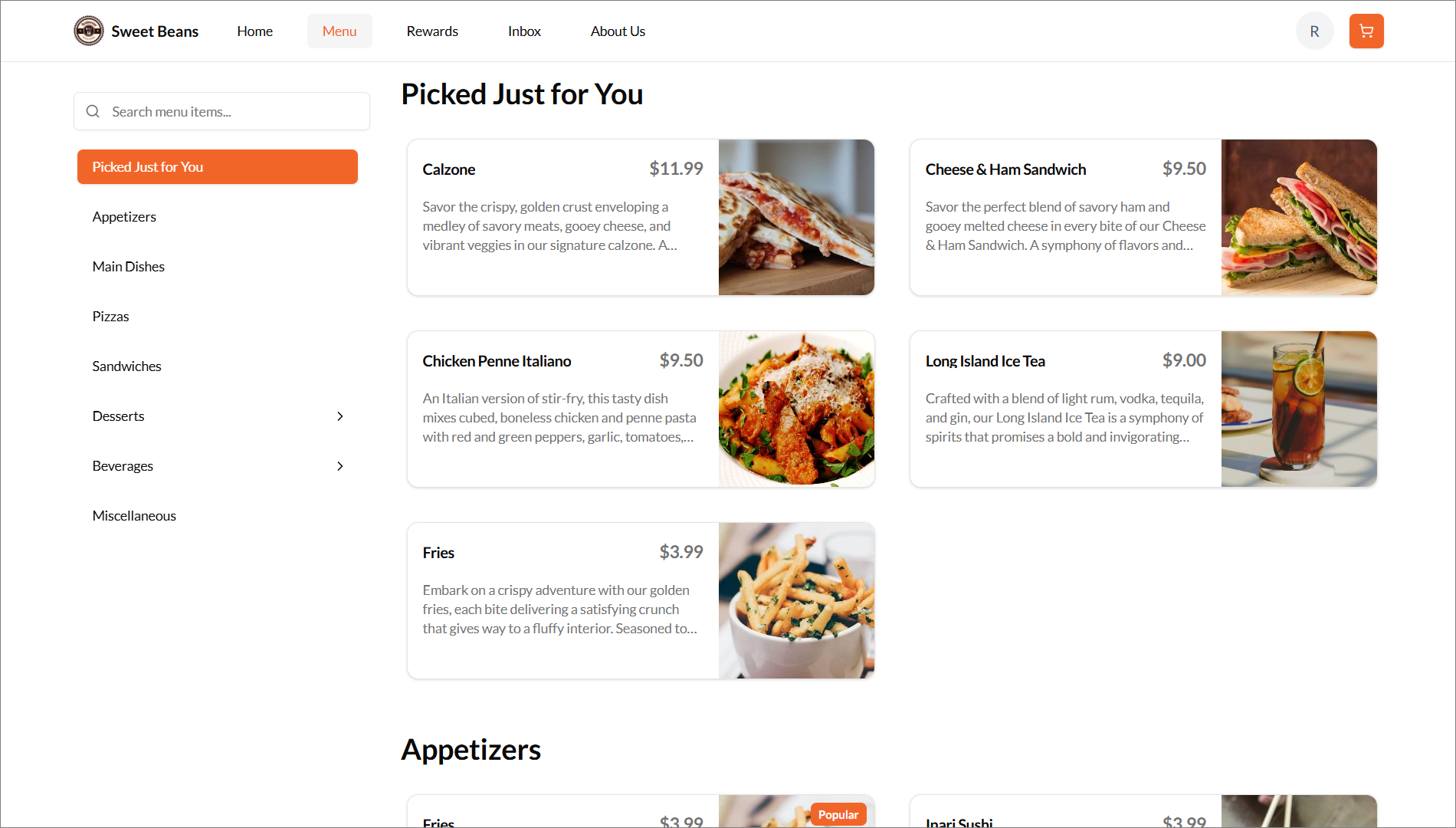
When a customer logs into the webstore, the system identifies the user and displays personalized product recommendations on the Menu Page.

Smart Picks will be hidden for first-time registered customers
Step 2
The customer can tap on any of the suggested products in the "Picked Just For You" section to instantly add it to their cart, eliminating the need to search or scroll through the menu.
Step 3
The customer can then proceed to checkout and complete payment using their preferred payment method.
The "Picked Just For You" text on the menu page can be customized to suit business needs.
Related Articles
Product Recommendations on Webstore V3
This feature allows the merchants to suggest products to customers when they place orders for specific items. Types of Product Recommendations There are two types of product recommendations. 1. Cross-Sell 2. Upsell What is Cross-Sell? Cross-sell is ...How to Use OTP-Based Sign-in on Webstore V3?
The OTP Sign-In feature introduces a secure, password-free login flow where users authenticate themselves through a One-Time Password (OTP) sent via SMS. This feature enhances convenience and security by allowing both existing and new customers to ...Top Sellers on Webstore V3
The Top Sellers feature on the Webstore highlights a restaurant’s most frequently purchased items. This allows customers to quickly identify and order trending products without needing to browse through the entire menu. By automatically showcasing ...Building an Effective Webstore: Webstore V3 Layout Options
Webstore V3 provides restaurants with a modern, flexible online storefront. Each section is designed to highlight food, share the brand story, and guide customers toward placing orders. The following overview presents all available layout options and ...French Language Support on Webstore V1
Supported On: Webstore V1 When the default language of the device/web is set to French, the webstore will adjust and support that language. The product and the category names will remain unchanged. Only Canadian-French supported. How it Reflects on ...