How to Filter Reports by Revenue Centers?
When Revenue Centers are set up, merchants can filter reports based on the revenue center. This helps track sales performance by specific ordering points such as individual Kiosks or POS registers.
Step 1
Login to the Merchant Web Portal.
Step 2
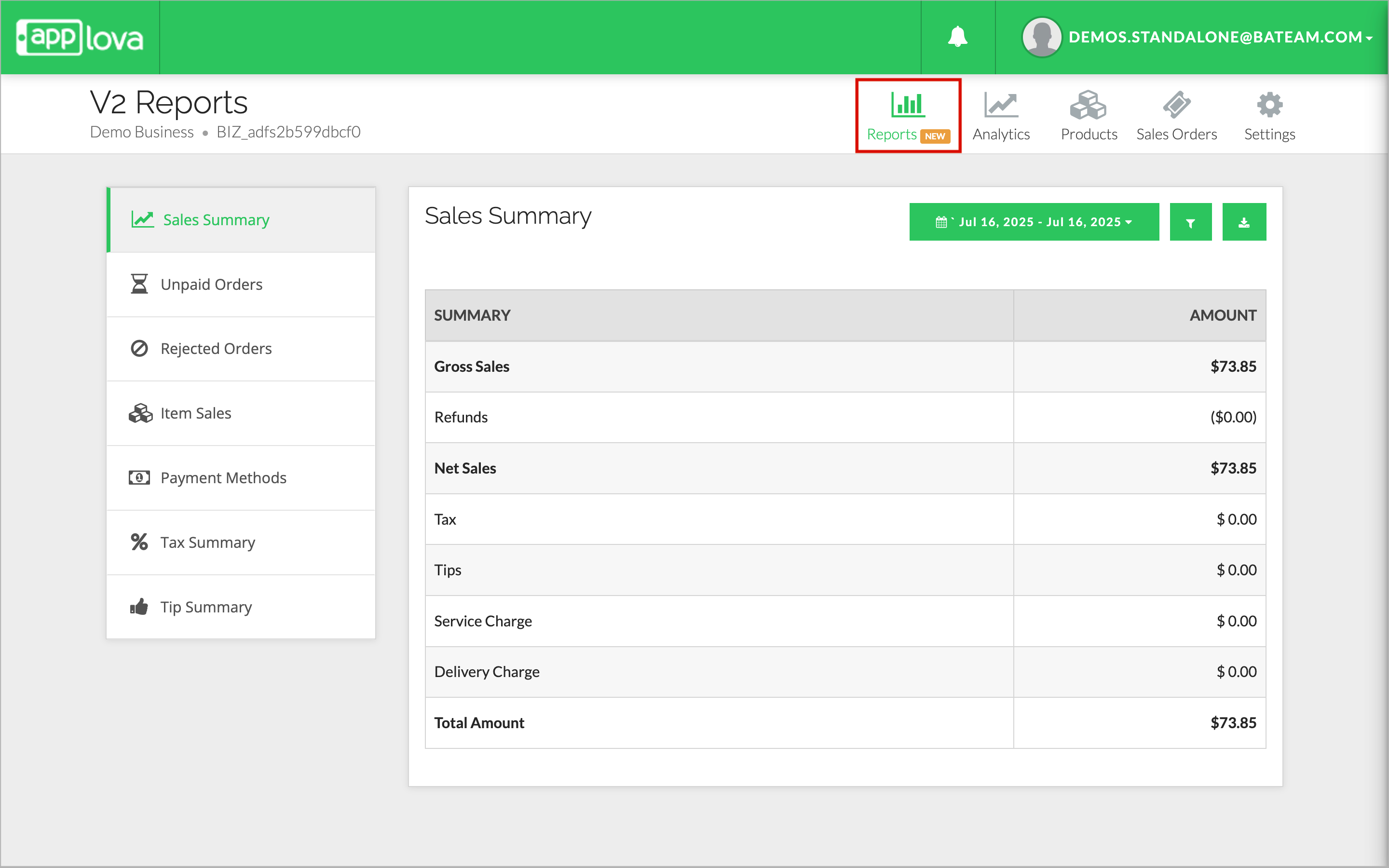
Navigate to the Reports section.
Navigate to the Reports section.
Step 3
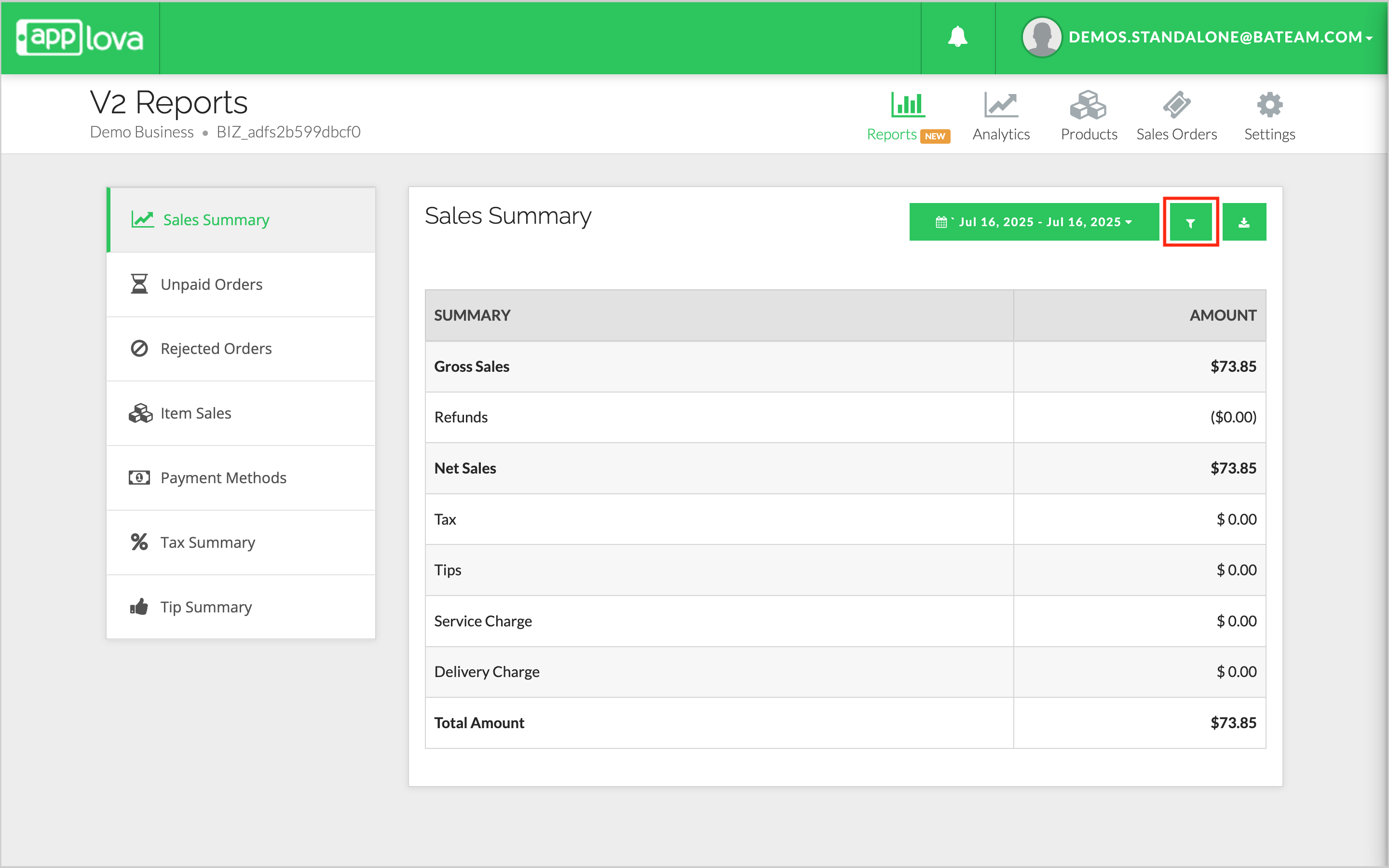
Select the needed report and click on the "Filter icon".
Step 4
Click on "Revenue Centers" from the dropdown.
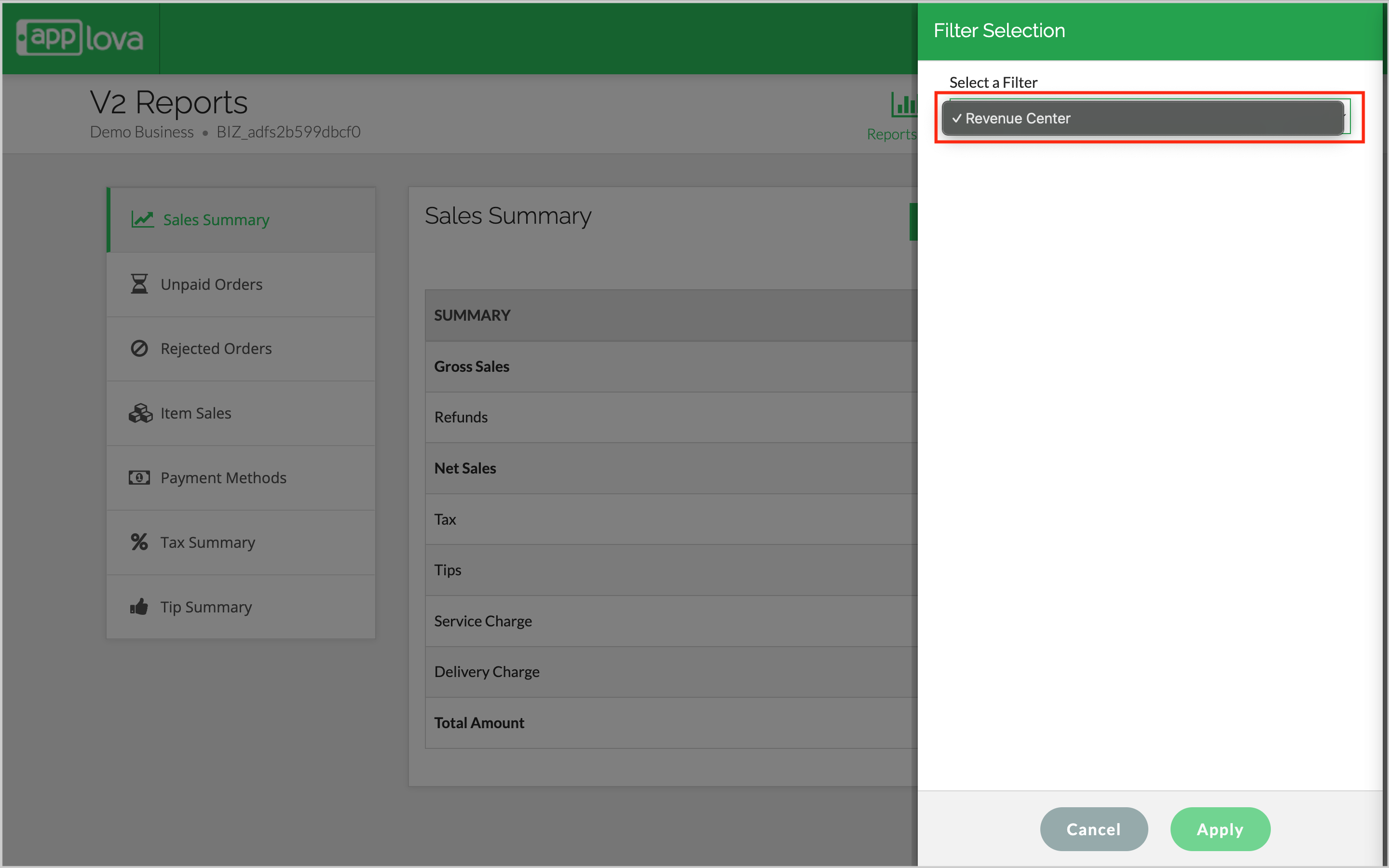
Image Link
Image Link
Step 5
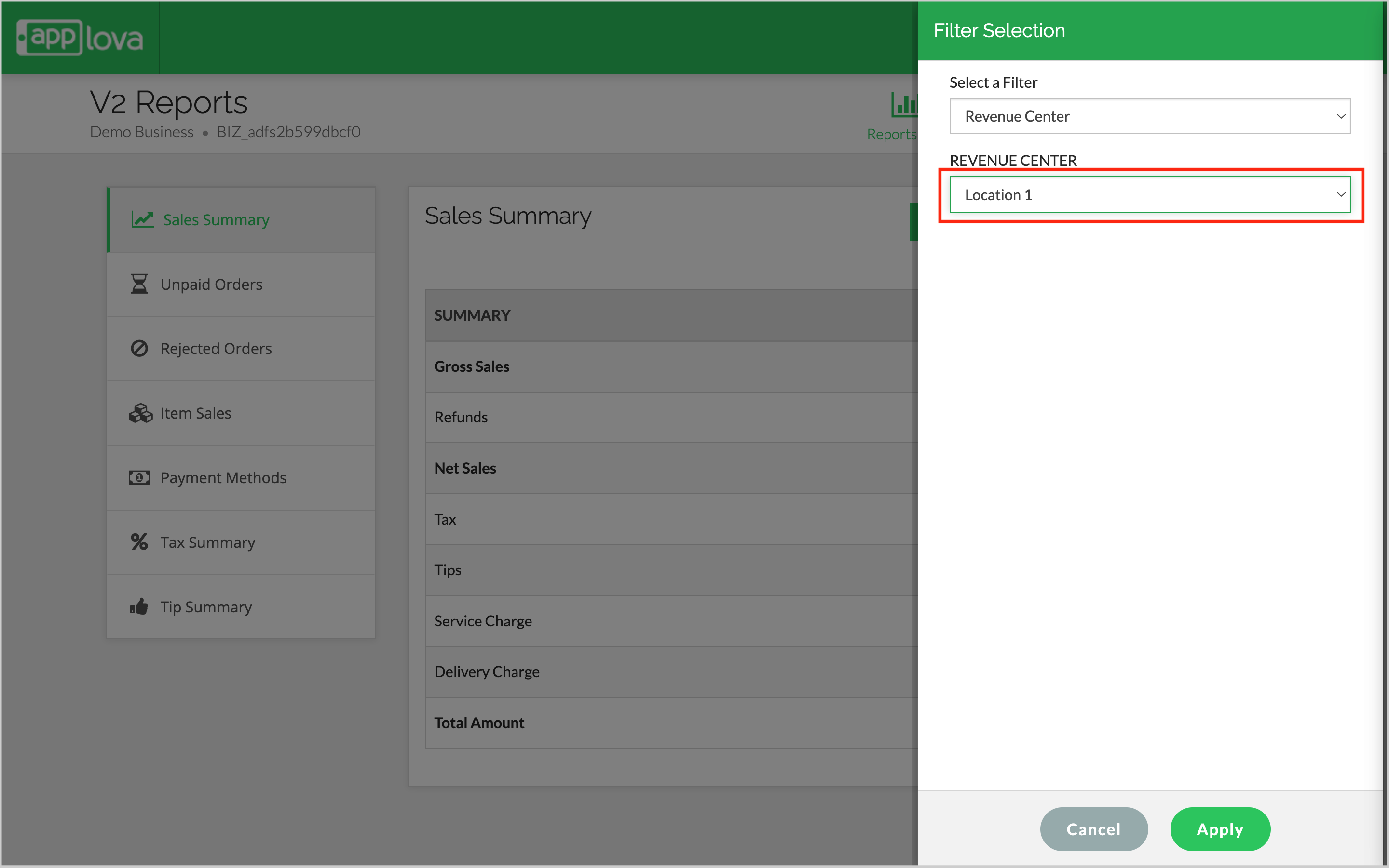
Select the required Revenue Center from the dropdown and click on "Apply"
Step 6
The Report will get generated accordingly.
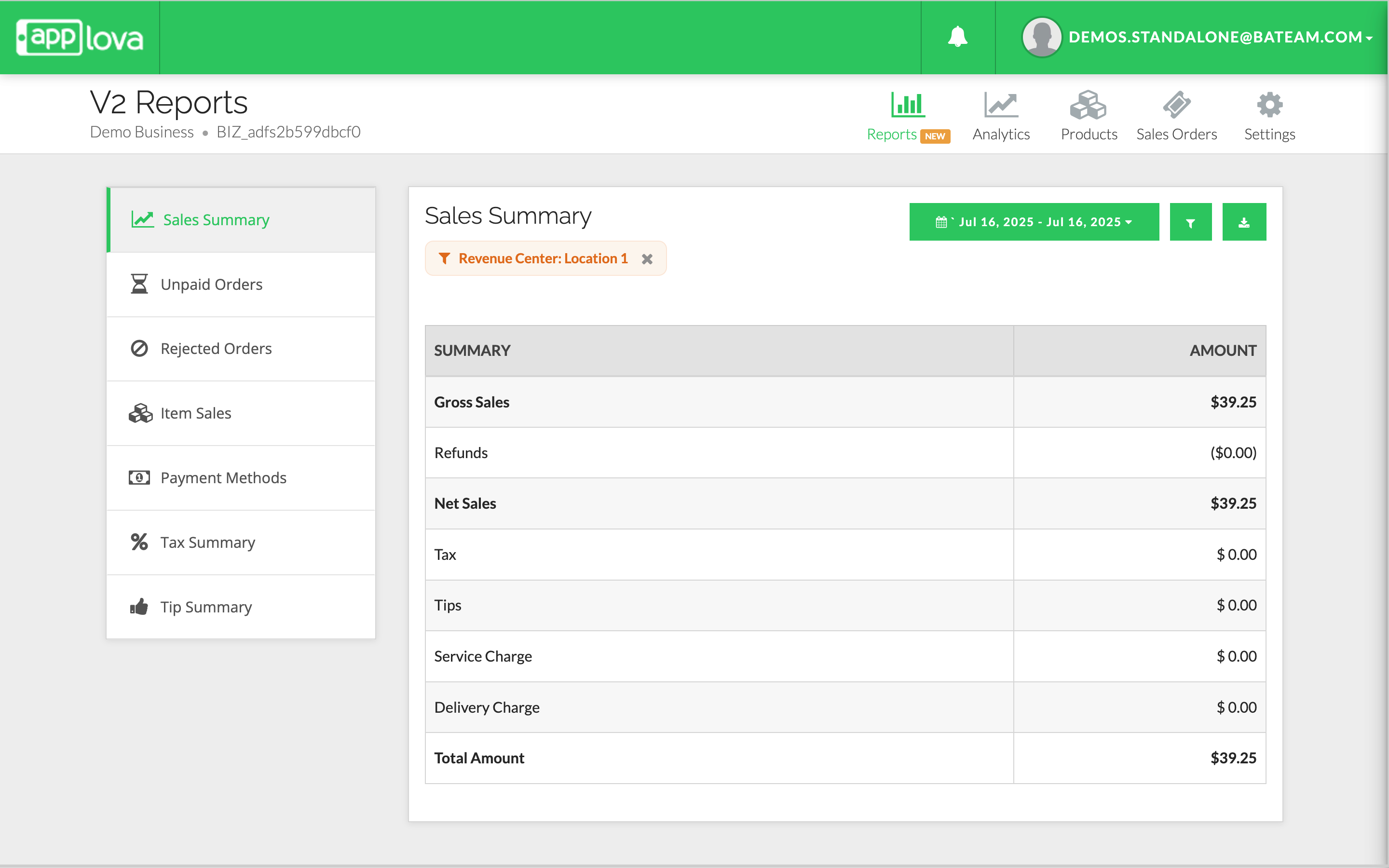
Image Link
Image Link
Related Articles
Related Articles
How to Manage Revenue Centers via Merchant Portal?
What Are Revenue Centers? Revenue Centers allow merchants to group and analyze sales based on the device where the order was placed—such as a POS register or kiosk. This makes it easier to monitor performance by service point within a business. Using ...Enhanced Reports on Merchant Web Portal?
This feature allows merchants to view detailed Reports from the Merchant Portal. Sales Summary - Provides an overview of total sales, order count, discounts, refunds, taxes, tips, and net sales for the selected time period. Unpaid Orders - Displays a ...How to Filter Products on Merchant Web?
The Category Filter allows merchants to easily locate products by selecting a specific category or filtering by stock status (In Stock or Out of Stock) from a dropdown list within the Merchant Web Portal. This feature is designed to reduce scrolling ...How to View Summary Reports via Merchant Web Portal?
This feature is currently available only for Round1 merchants. This feature allows merchants to view summary reports. There are two categories of summary reports that can be viewed via the Merchant Web Portal. Real-Time Reports Daily Payment Method ...How to View Category-Based Sales Report on Merchant Portal?
This report summarizes sales by product category instead of individual items, using a hierarchy of Main Category → Sub-Categories. It shows the Category Name, Quantity Sold, and Total Sales for each category, making it easier to spot top-performing ...