How to Configure Time Ranges?
This feature allows merchants to configure time ranges that control when specific products or specials are visible. These time ranges can be used for both Product Special Visibility and Time-Based Visibility settings.
How to Configure via Merchant Portal?
Step 1
Login to "Applova Merchant Web".
Step 2
Go to "Products".
Step 3
Click "More" on the product you want and select "Time-Based Product Visibility/Product Special Pricing".
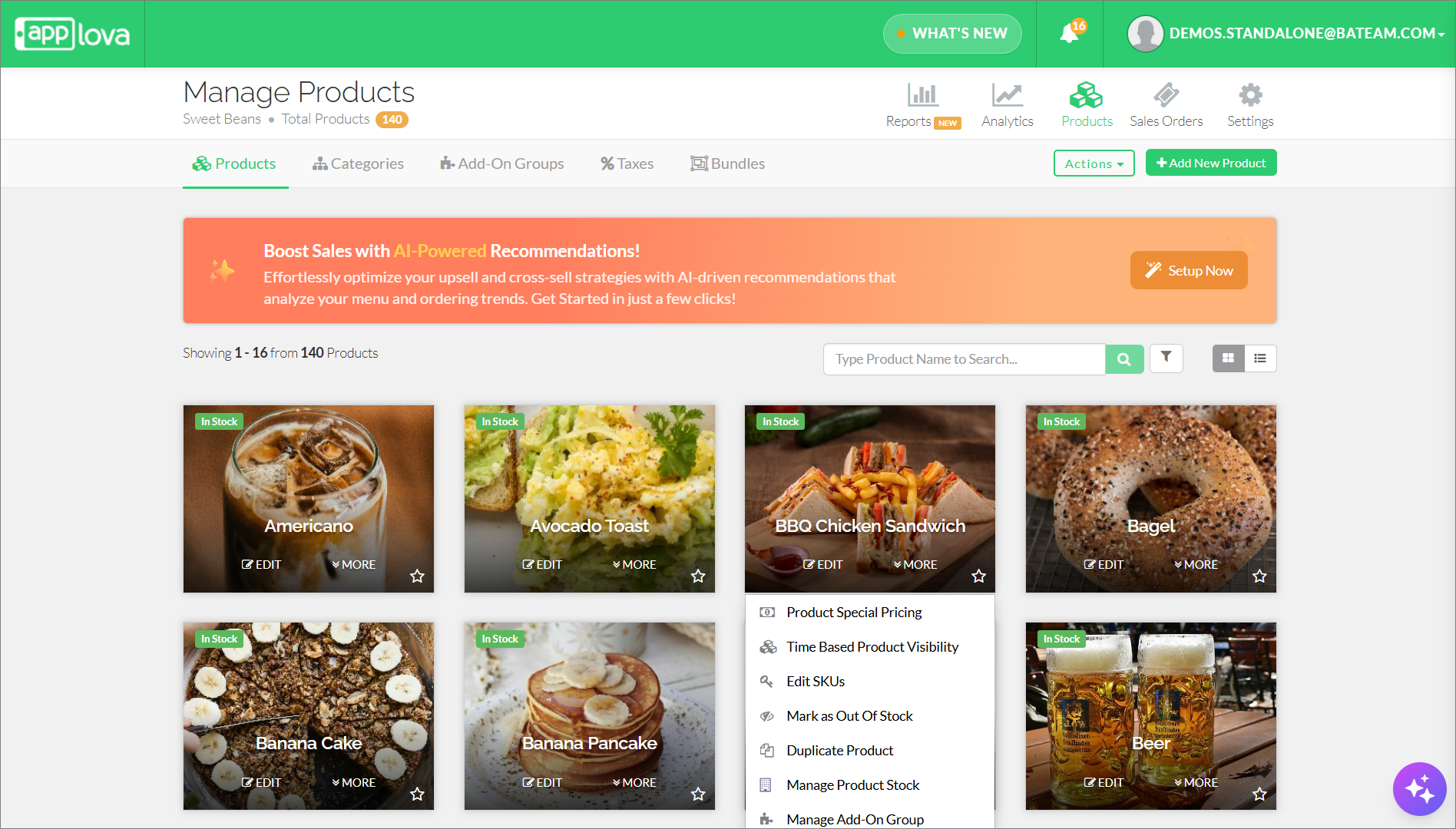
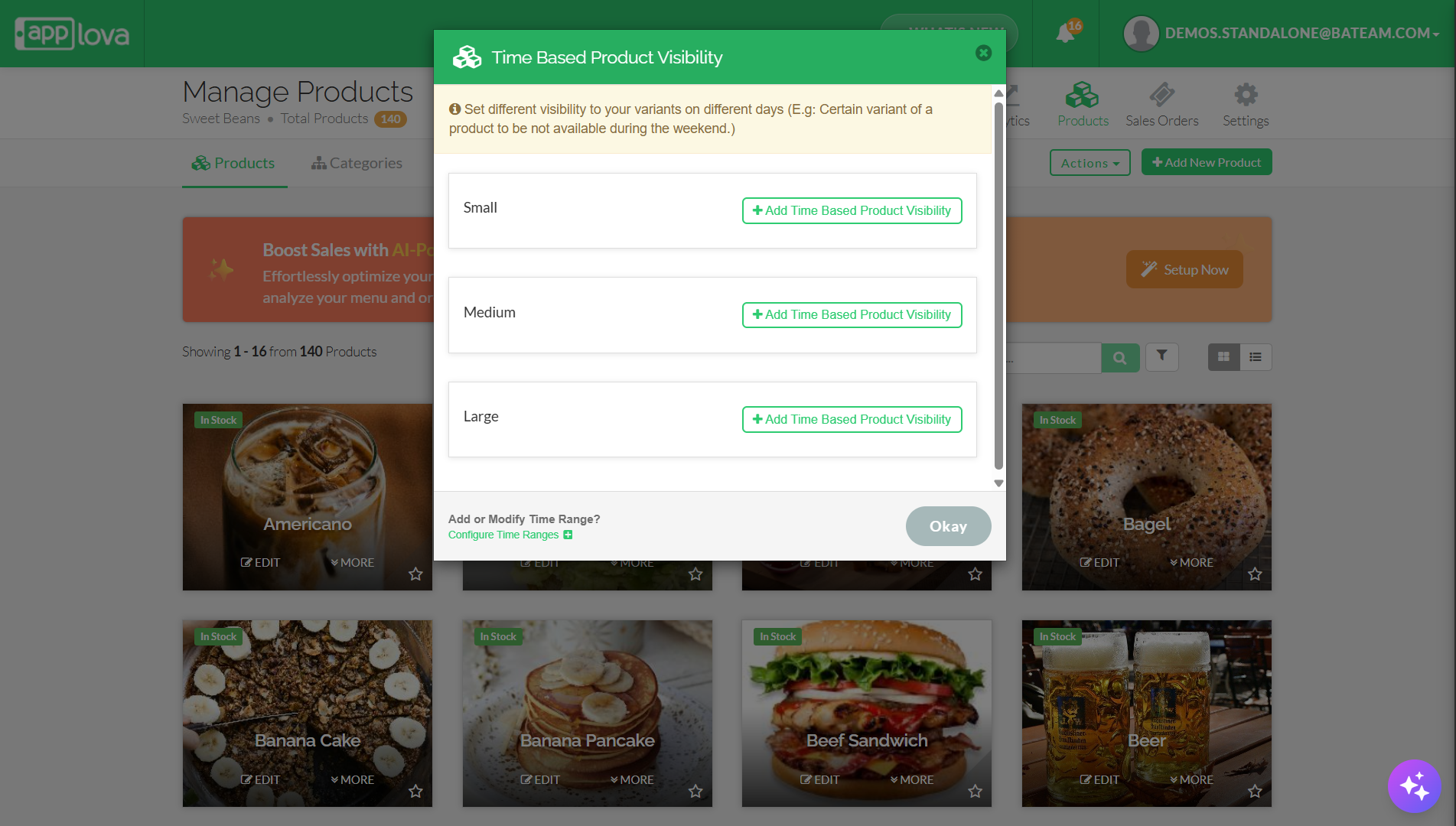
Step 4
Click on "Configure Time Ranges".
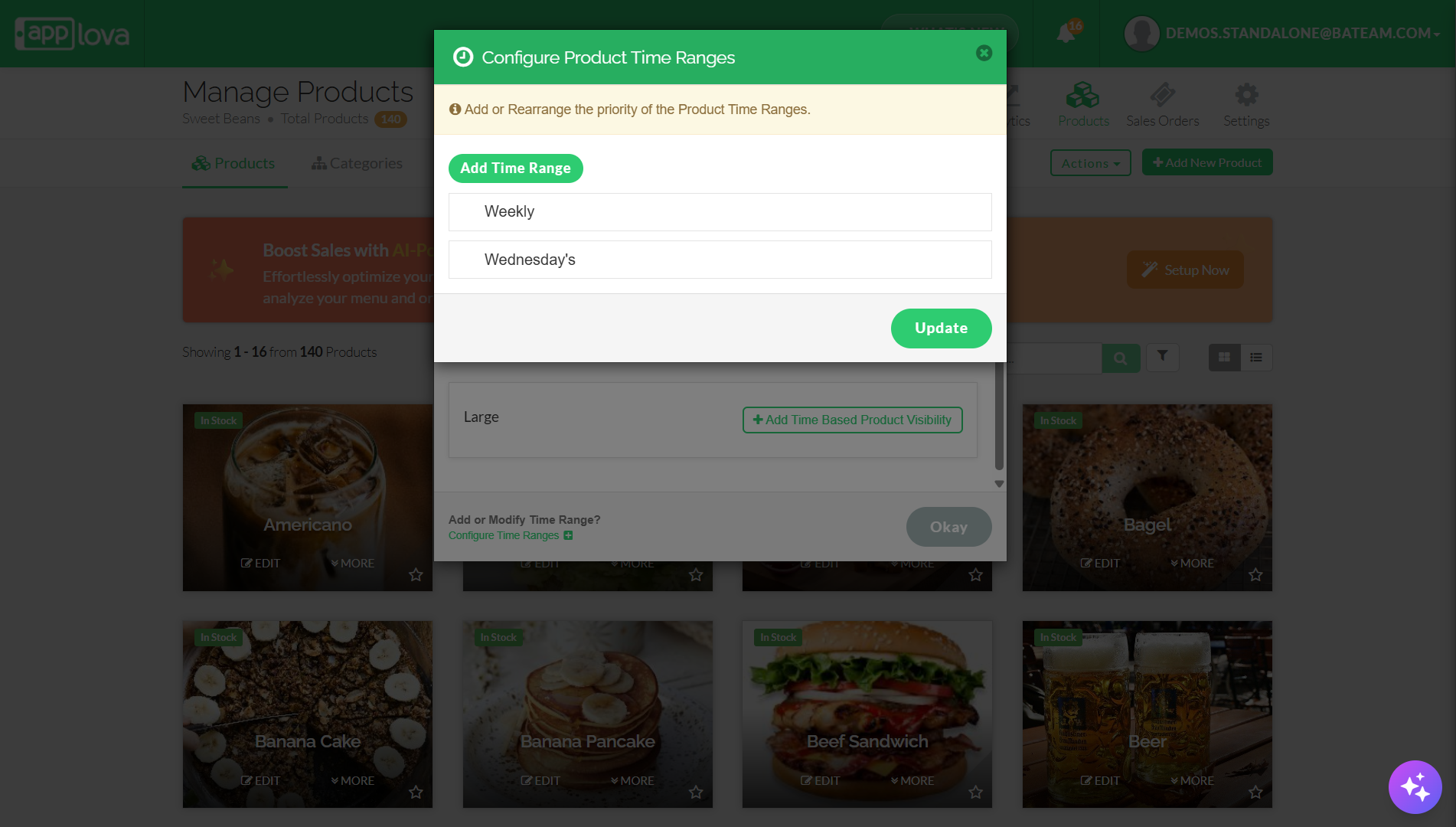
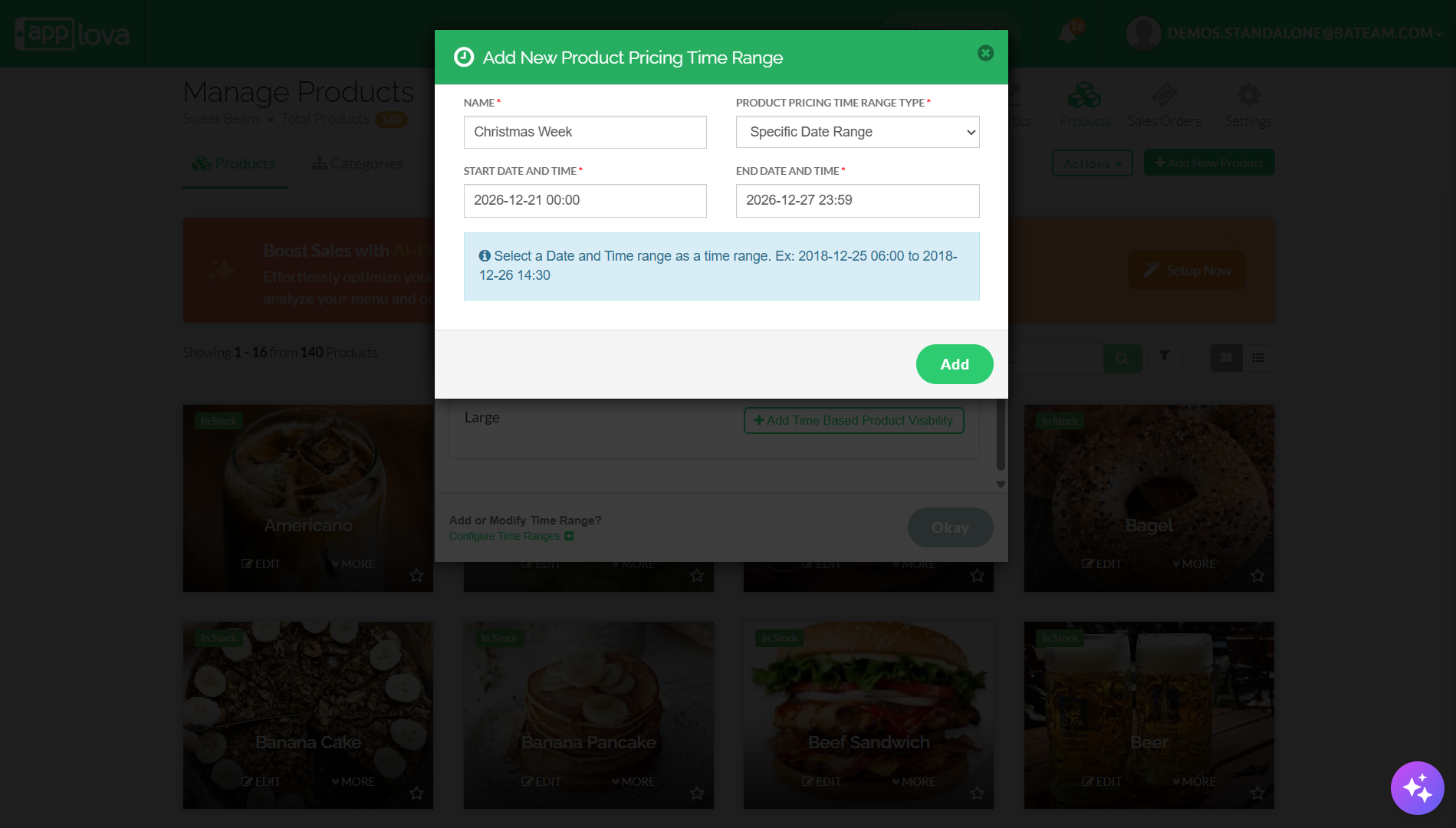
Related Articles
How to Manage Time Based Product and Category Visibility?
Supported Domains: Standalone, Clover & Square businesses What is Time-Based Product and Category Visibility? Time-Based Product and Category Visibility allows merchants to control when specific products or categories are visible to customers across ...How to Manage Special Pricing via Merchant Portal?
What is Product Special Pricing? Product special pricing defines setting different pricing to your variants on different days (E.g: Lower prices on Holidays or Weekends) How to Add Product Special Pricing? Step 1 Login to the "Applova Merchant ...How to Add Product Tags via Merchant Web?
This is a label or keyword associated with a specific product to help identify it. This will reflect only on the Kiosk. Step 1 Login to "Applova Merchant Web". Step 2 Under the "Products" tab click "Edit" on the product you wish to add the tag. Image ...How to Manage Add-On Groups?
Supported Domains: Standalone Available Channels: Webstore v1, Mobile Order Ahead App (iOS & Android) By enabling this feature, merchants are allowed to add additional options or complementary items to a main product item that can be added to a core ...How to Manage Product Add-On(s) via Merchant Web?
What are Product Add-On(s)? Product Add-Ons are extra customizations that can be added to a product to suit the customers' needs. (i.e., Sugar levels for Coffee, Toppings for a Pizza, Colors for a Shirt). The price of an Add-On product will be an ...