Activating Analytics Dashboard via Marketplace
This guide explains how to self onboard to the Analytics Dashboard via the Applova Marketplace.

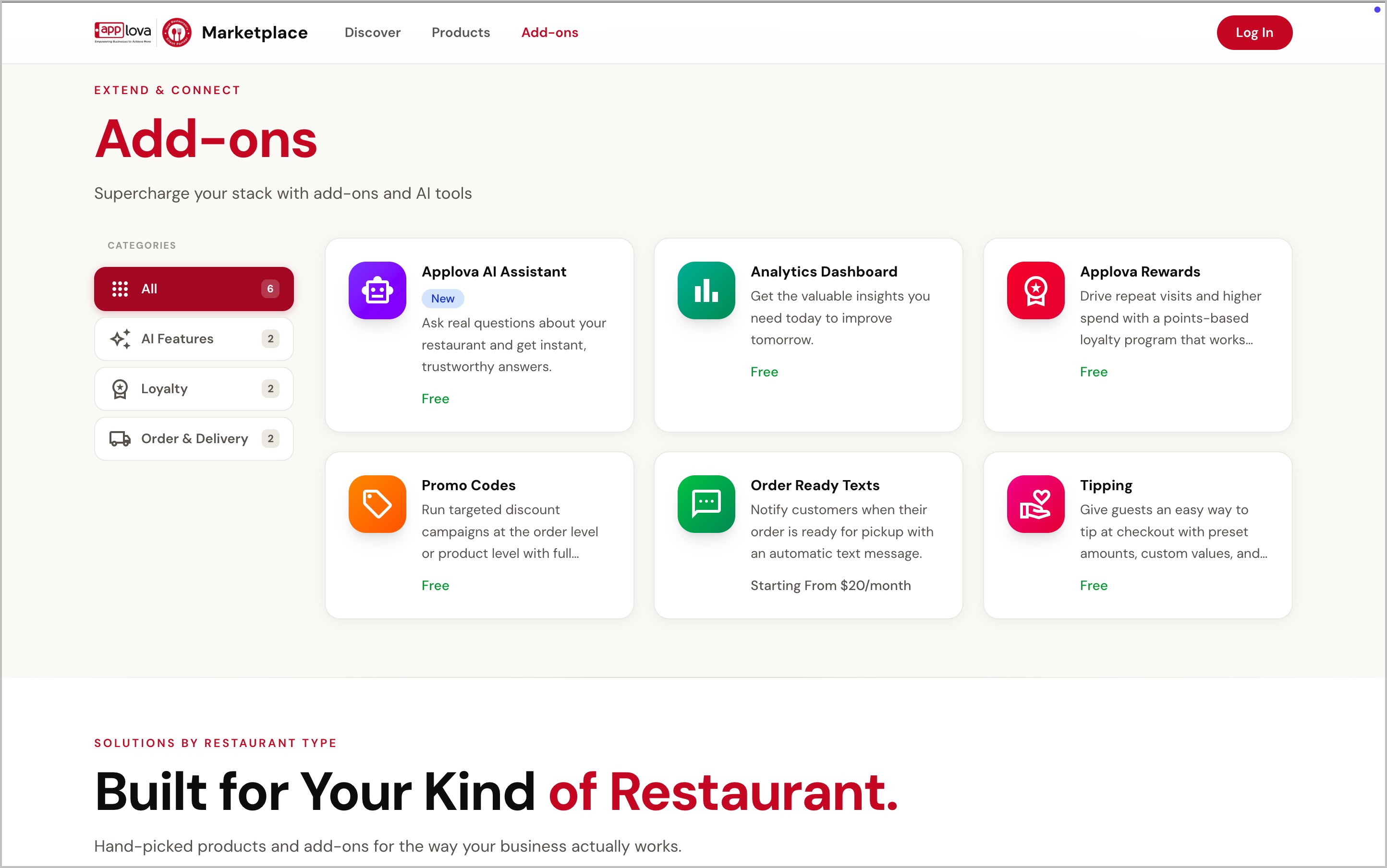
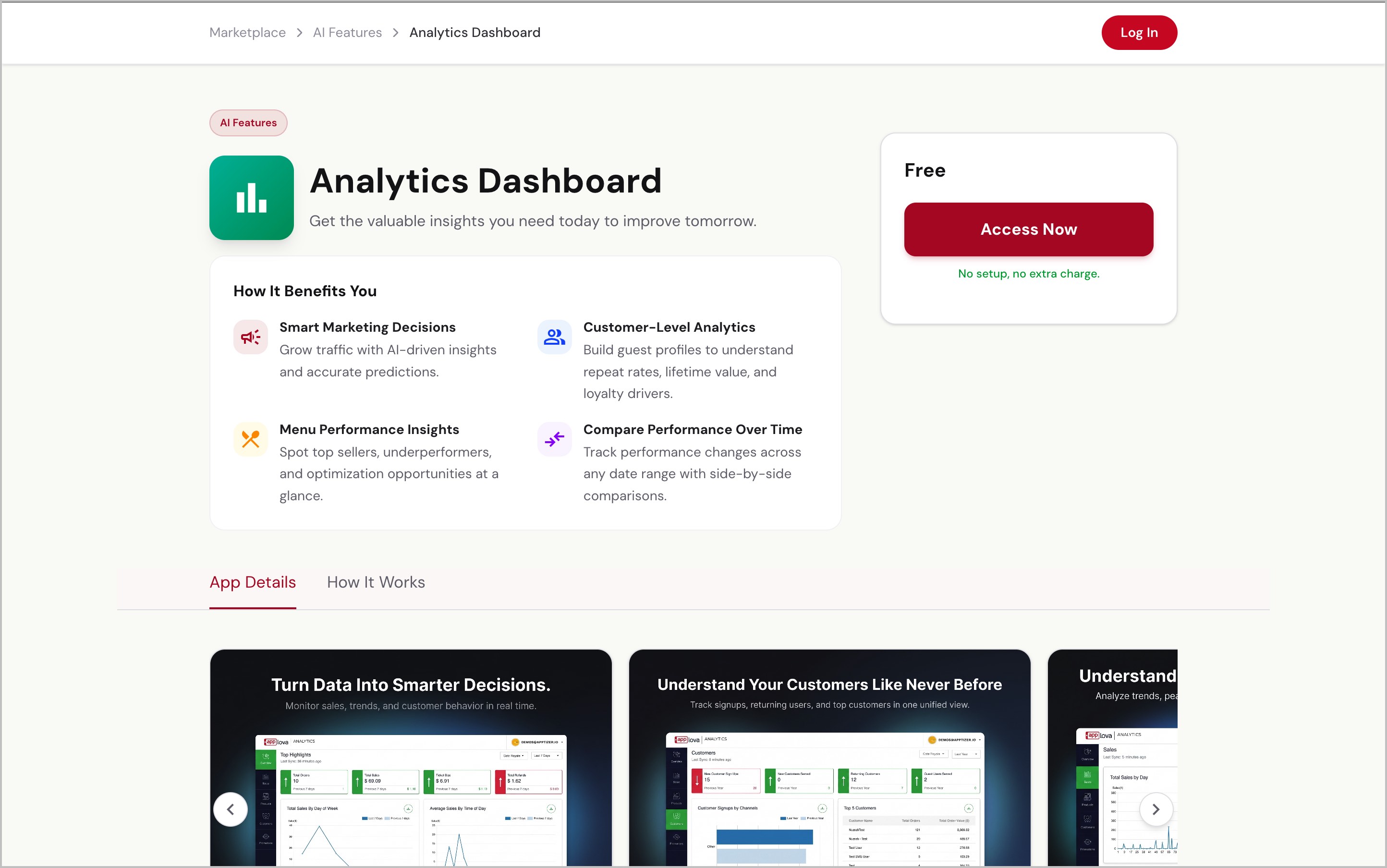
Step 5
Once you click “Access Now,” the Analytics Dashboard will be activated for the selected business, and you will be redirected to the Analytics Dashboard.
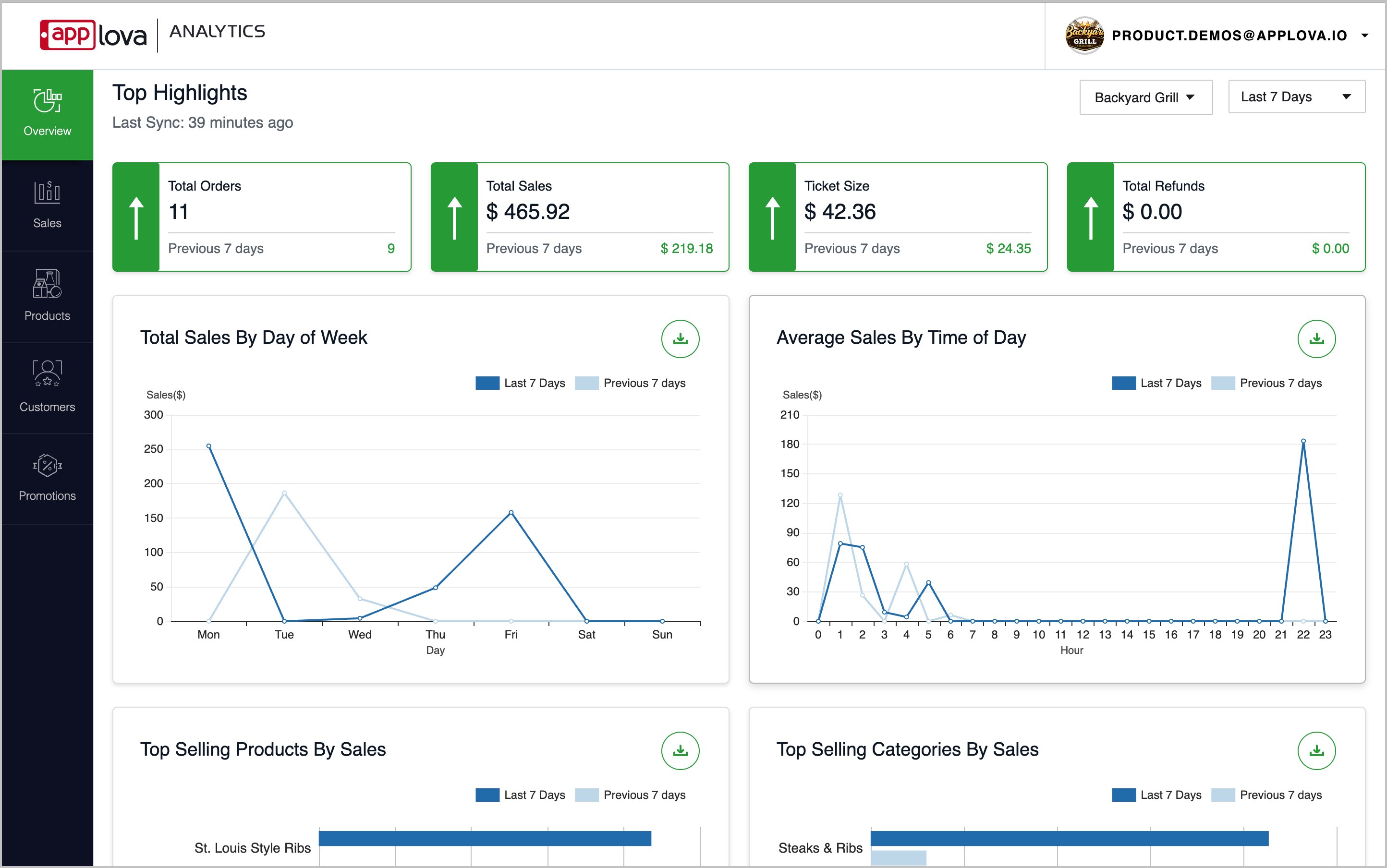
Image Link
Related Articles
Related Articles
Activating Applova Tipping via Marketplace
This guide explains how to self onboard to the Tipping feature via the Applova Marketplace. Step 1 Go to the Applova Marketplace. Step 2 Then go to the “Add-ons” tab. Image Link Step 3 Locate and click on the “Tipping” card. Image Link Step 4 Then ...Activating Text Message Marketing via Marketplace
Onboarding to Text Message Marketing can be accessed in two ways: 1. Through the Applova Marketplace 2. Directly through the Merchant Portal - Onboarding to Text Message Marketing via the Merchant Portal This guide explains how to access the ...Applova Marketplace
Applova Marketplace is a centralized platform where merchants can discover, browse, and self-onboard to Applova products, plugins, add-ons, and integrations. Image Link Products Products are core Applova solutions that help merchants run, manage, or ...How to Access the Applova Marketplace via Merchant Portal?
This feature allows merchants to quickly access the Applova Marketplace directly from the Merchant Portal. Step 1 Log in to the Merchant Portal. Step 2 Click on “Marketplace” from the top navigation bar. Image Link Step 3 You will be redirected to ...