How to Install a Applova BM on a Clover Device?
This article explains how to install the Applova Business Manager application on a Clover device through the Clover App Market.
Step 1
Log in to your Clover device using a Manager account.
Step 2
Step 3
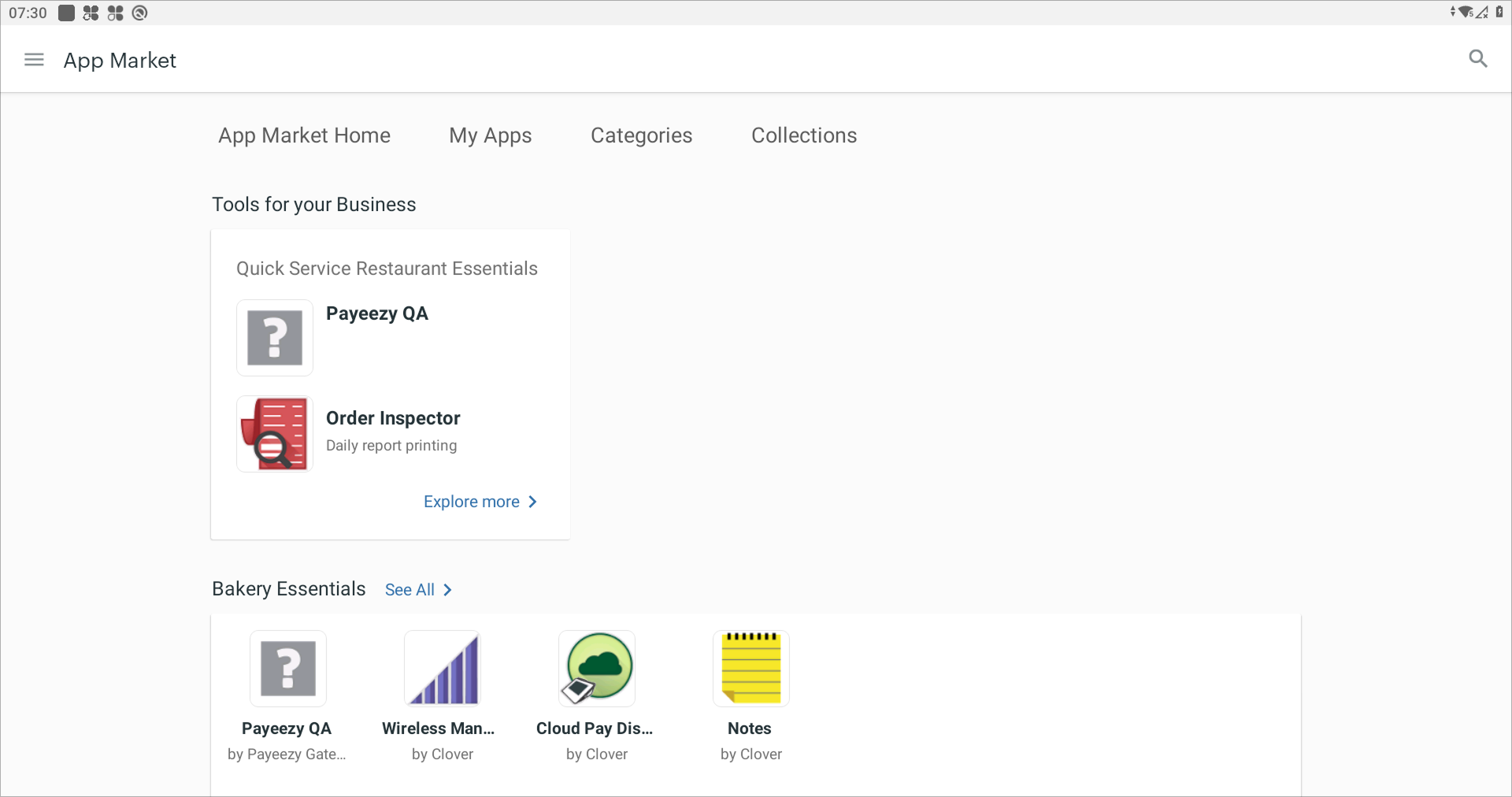
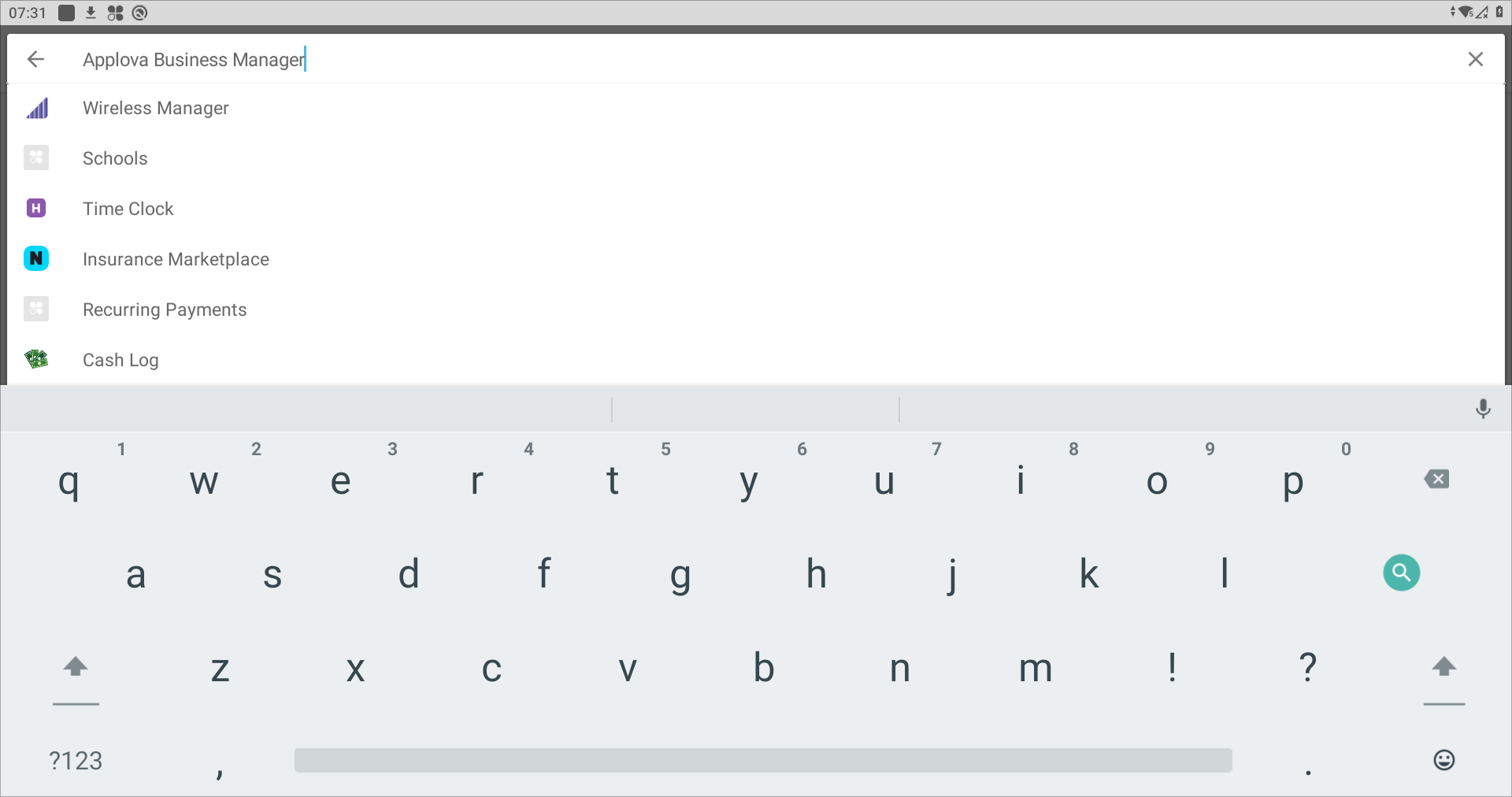
Search for "Applova Business Manager" in the App Market.
Step 4
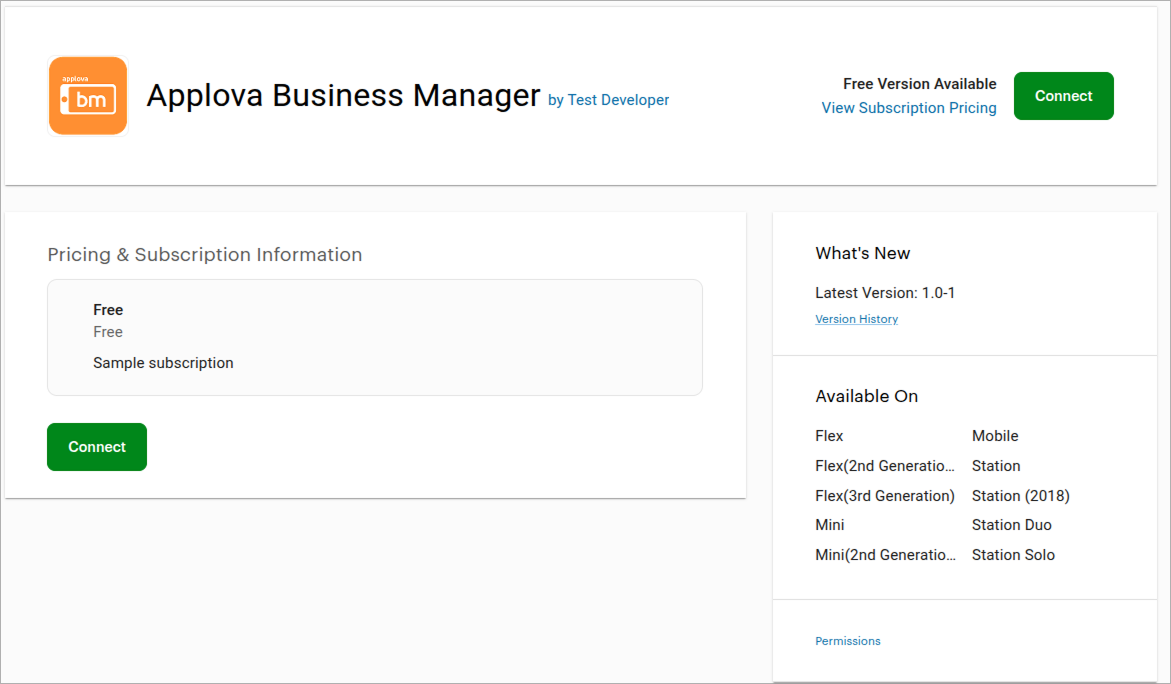
Download and install the "Applova Business Manager" application.
Step 5
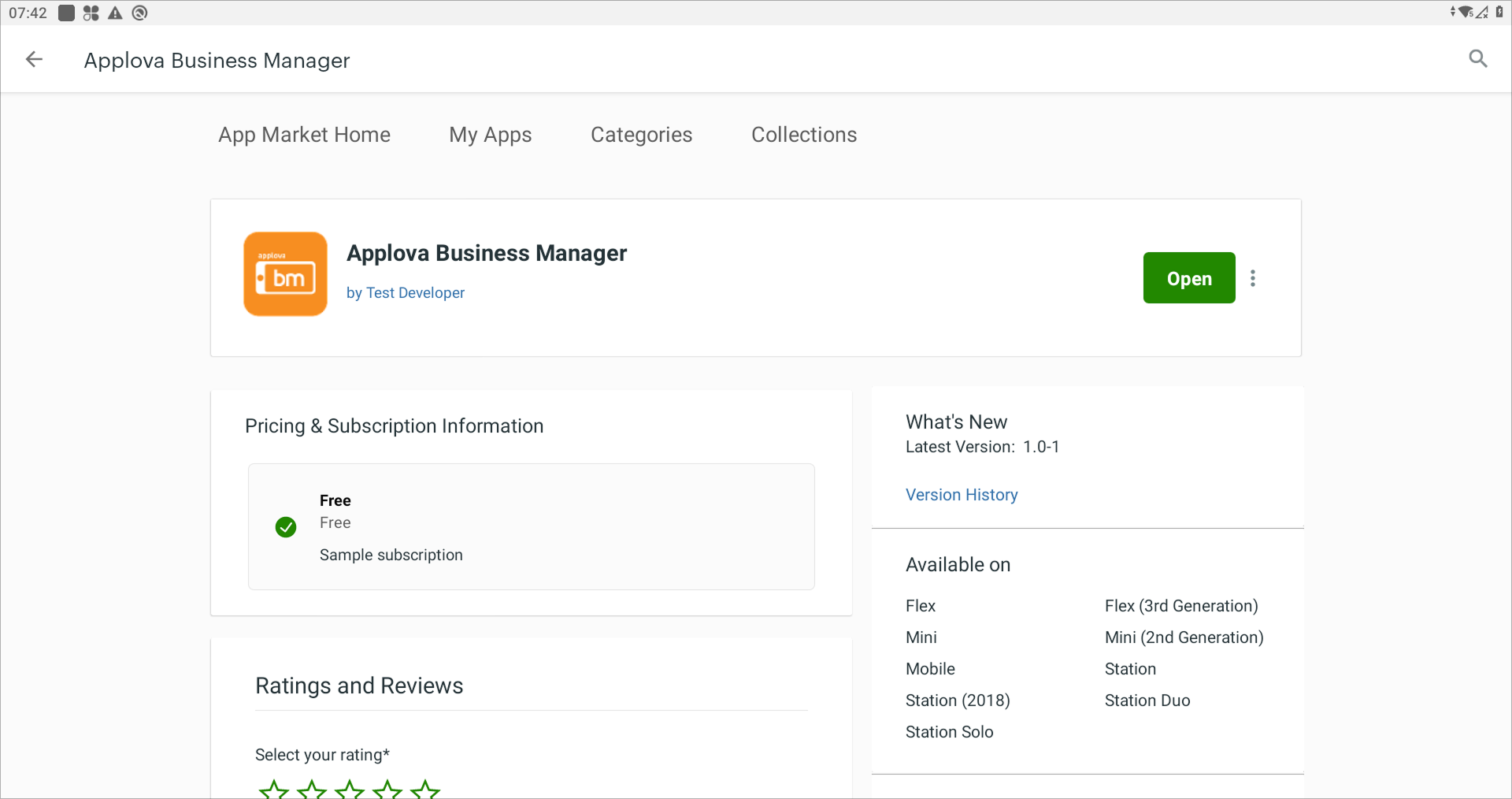
Open the application once it has been installed.
Step 6
After opening the application, take a picture of the screen that appears and send it to the Applova Support team (support@applova.io) for further assistance.